Somnium

- Role
- Enemy design (behaviour, stats, readability), encounter design (composition, pacing), UI wireframes, UX flow, QA
- Owned
- The enemy behaviour layer and the tutorial
I wrote the specs; the programmers implemented them. I did not work in the codebase. My only in-engine changes were collider fixes.
Unity
A retro-style first-person action dungeon crawler where you play a magical creature escaping a collapsing dream.
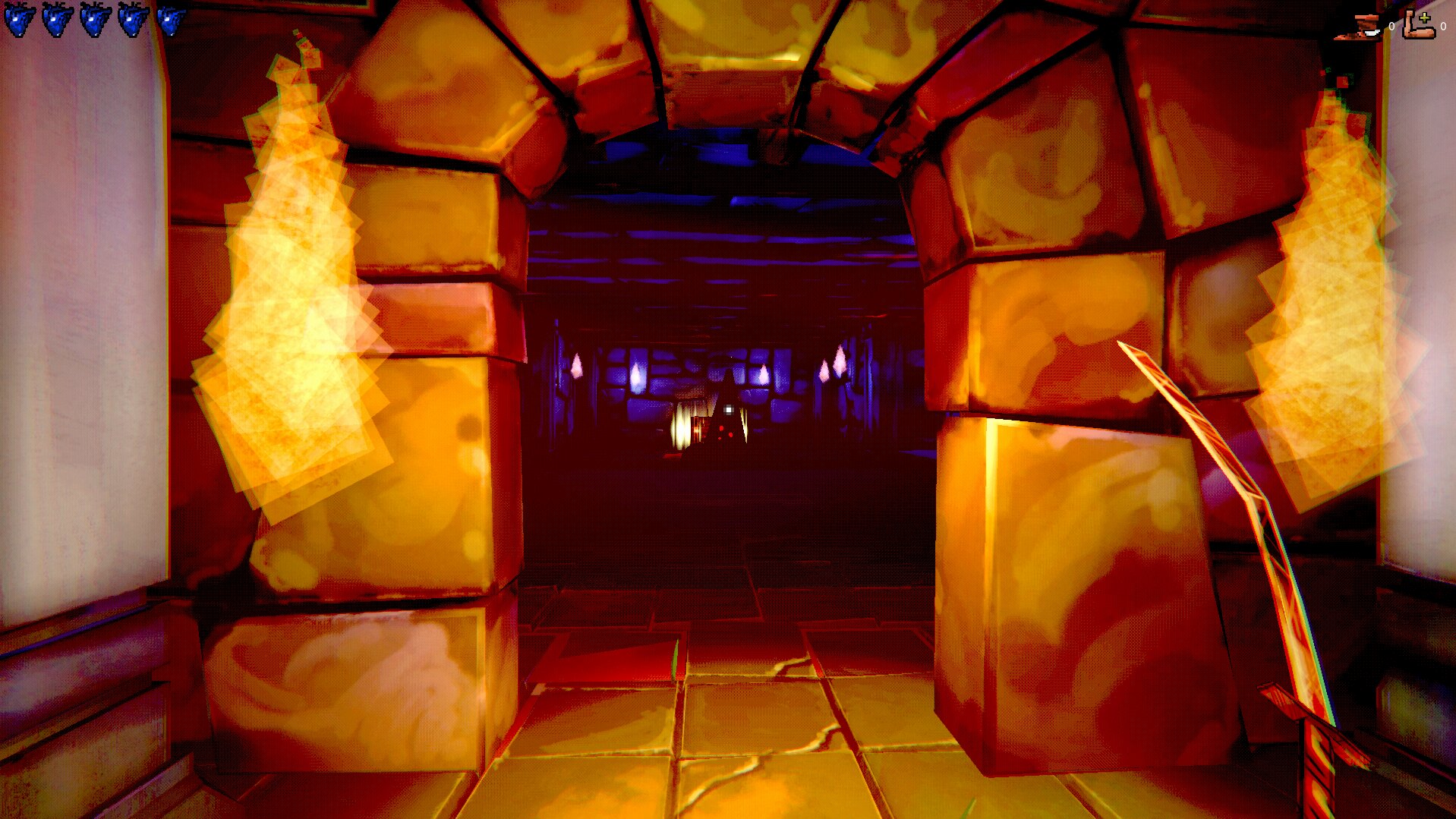
This was a three-week student project and the first one of the programme. What's below is scoped to that.
The constraint
The course mandated Xbox Adaptive Controller support as a hard input requirement. That pushed us to D-Pad movement, which meant tank controls, which meant slow turning. Internal testing caught the consequence early: any enemy attacking from behind was unfair, because the player physically could not turn to meet it in time.
The input scheme was locked. So I didn't touch it.
The fix, one layer down
I solved it in enemy behaviour instead. Enemies reposition to the player's front before they attack, so a fight always happens where the player can see it. And enemies are melee-only, which removes the dexterity requirement that ranged attackers would have reintroduced through the back door.
The constraint stayed intact and the unfairness went away.
The Feel Score
Raw stats don't tell you whether a kick feels good. I built the balancing spreadsheet with a 1–10 "Feel Score" column next to the numbers: kick force, torque and range, vertical multiplier, masses, dampening, staff damage, projectile speed and lifetime, magnet distance and strength, hitbox size, attack range and cooldown, enemy health, damage, detection range, stagger duration.
Scoring the feel meant I could compare tuning passes against each other rather than against a memory, and decide which version was worth a teammate's time before spending it.

The tutorial
The game contains no text at all. Everything is taught through visual indicators and where things are placed. Playtesters consistently worked it out without written instruction.
Accessibility
I proposed the one-handed mode (rotate the controller 90° for an easier range of motion), drawing on the VR-for-elderly work I'd done at Neo Auvra. I also proposed screen-shake and movement-bob toggles.
What I'd do differently
I'd prototype more. I held back to avoid getting in the programmers' way, and I now think that was the wrong instinct: the cost of a designer's rough prototype is much lower than the cost of a spec that turns out to be wrong after it's built. It's the direct line from this project to how I worked on FATE.